Invite your team
Add people by email and choose what each person can do.
Steps
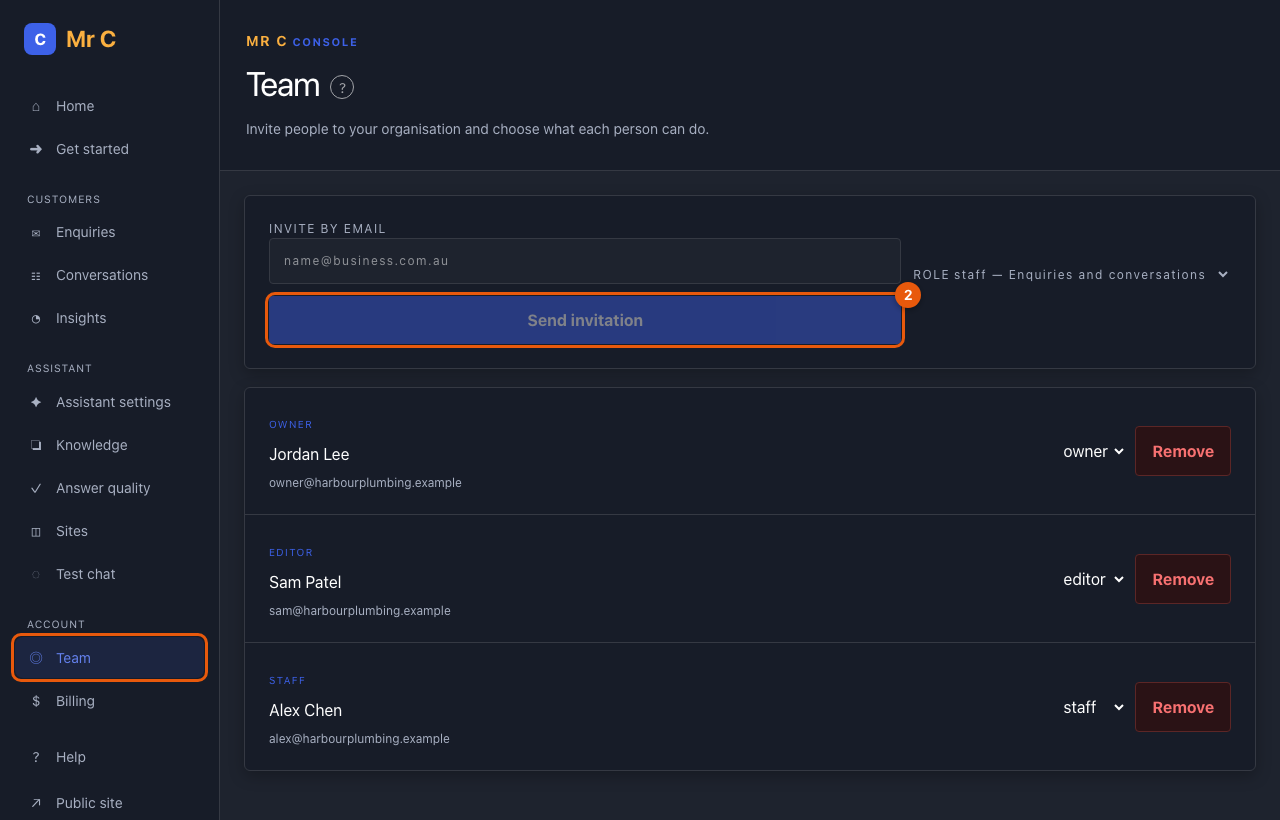
- Open Console → Team.
- Enter the person's email, choose a role and select Send invitation.
- They get a link that works once and expires in 7 days. Selecting Accept invitation signs them in.
Change or remove access
- Change someone's role with the menu next to their name, or select Remove.
- An organisation always keeps at least one owner; only owners manage owners.
- Withdraw cancels a pending invitation.
All changes are recorded in your audit log.
Related
Was this page helpful?